OpenClaw with Synthetic
Synthetic is a native provider for OpenClaw, the self-hosted, agentic LLM bot!
With Synthetic, you can use OpenClaw with any model we support, including our high quality self-hosted models.
Install OpenClaw
Follow the official guide to Install OpenClaw.
Quick Setup
Getting started with OpenClaw and Synthetic takes just a few simple steps:
1. Open OpenClaw in Your Terminal
- bash
openclaw
2. Select an Onboarding Mode
Select QuickStart.

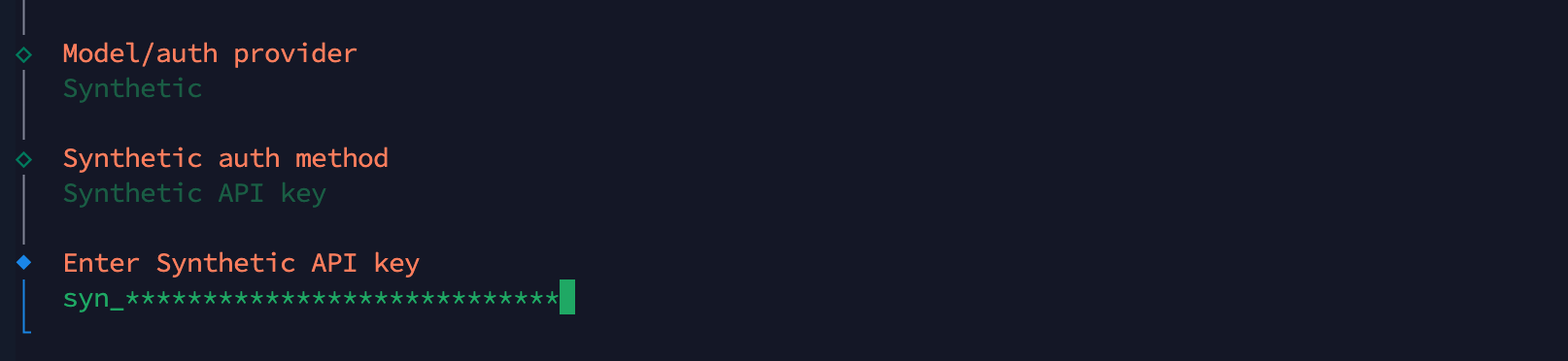
3. Choose "Synthetic"
Select Synthetic from the list of available providers.

4. Paste Your Synthetic API Key
Select Synthetic API Key and enter your API Key.
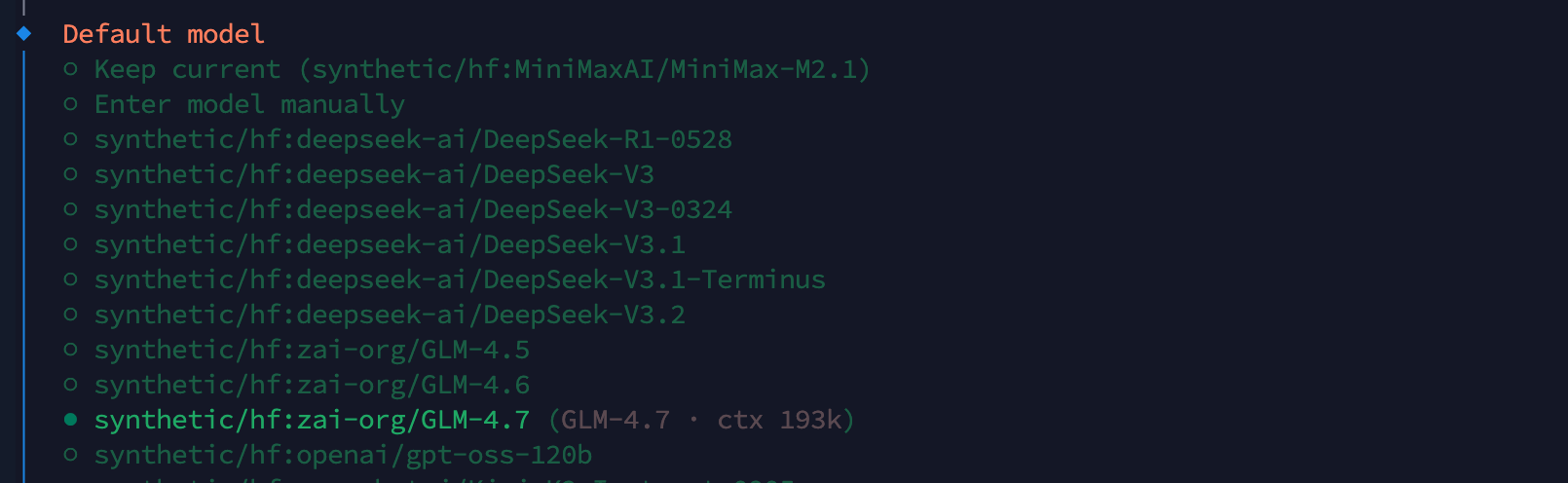
5. Choose a Model
Select which model you want to use from our available models.
Synthetic Hosted Models
We recommend Synthetic hosted models for maximum quality and performance.
6. You're All Set!
Finish the rest of the onboarding flow to get started with OpenClaw!
Getting Help
- Community: Join our Discord! The Synthetic team is active daily.
- E-mail: See Contact Us